Digital guide · Instant PDF
The AI Influencer Blueprint: Create Your Own AI Influencer
Price
£25.00
One-time payment
Taxes included.
Learn how to create your own realistic AI influencer, keep their appearance consistent, produce photos and short videos, and prepare content for social media. All explained step by step, even if you're starting from scratch.
Instant PDF download · Secure Shopify checkout
What you get
- 28-page PDF, yours to keep
- Seven stages, each with a checkpoint
- Reusable prompts and templates for Claude or a similar AI assistant
- Image, video and pre-publish checklists
- Routes for Higgsfield or Google Flow
The seven stages
Design the character · Create and approve one face · Lock it with a tested reference set · Make photos · Turn stills into videos · Launch a consistent profile · Repeat with a weekly routine.
Tools you'll need
Claude (or a similar assistant) for planning, and Higgsfield or Google Flow for images and video. These are third-party services: some features, subscriptions and generations cost extra, and interfaces can change.
Delivery
Instant digital download. Your download link appears on the order confirmation page straight after checkout and is also emailed to you. Nothing is shipped. How delivery works.
What it doesn't include
The guide covers creating and publishing. It doesn't include monetisation strategies and can't guarantee followers, reach or income. Please read our refund policy before buying.
What you'll be able to make
Each stage of the guide ends with something you can keep, post or build on.
-

Create your character
Give your ai influencer their own identity, personality, lifestyle and interests, making them feel like a real person.
-



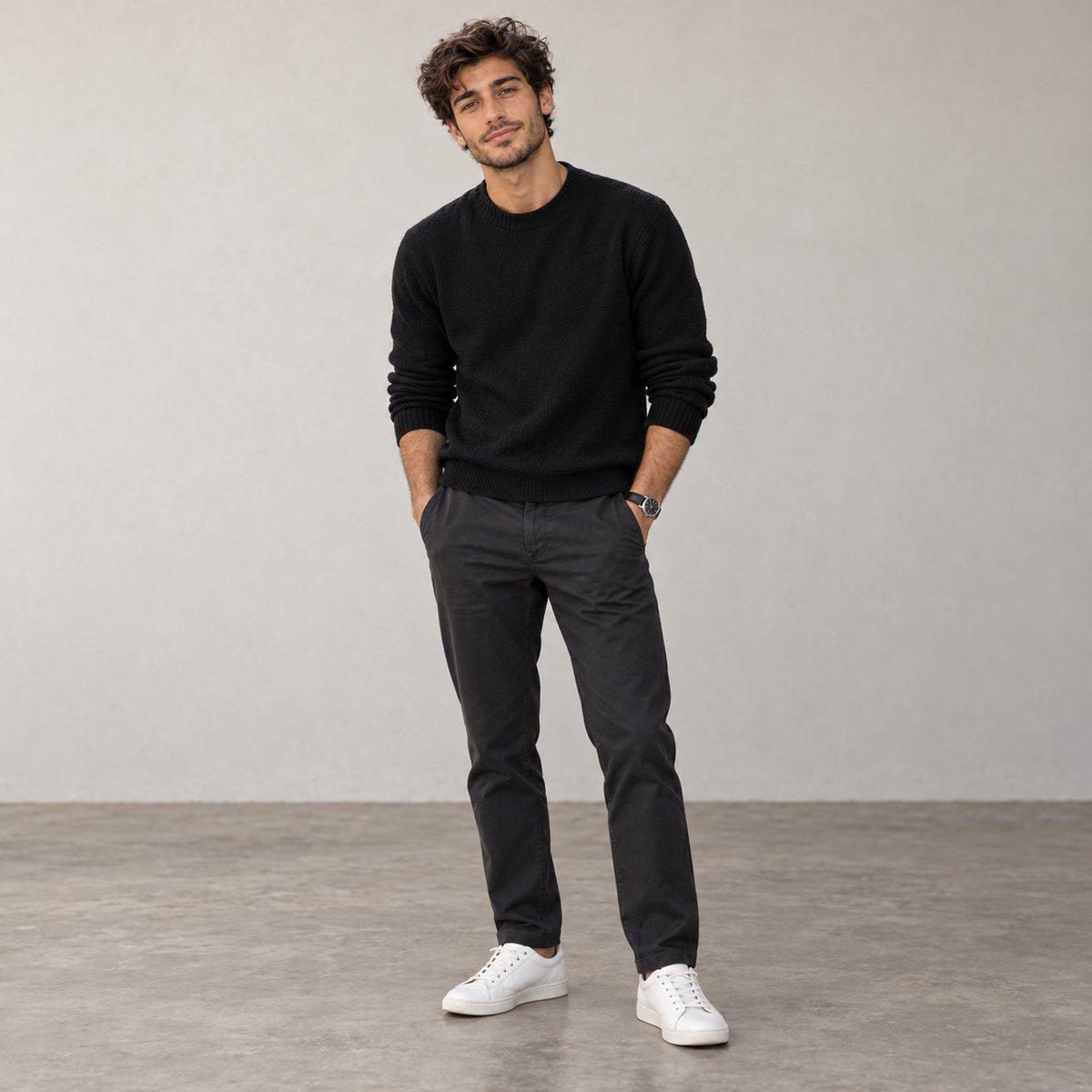
Keep the same face
Learn how to keep your character looking consistent from different angles, in different outfits and across different locations.
-

Create realistic photos
Create realistic photos of your character doing everyday things, from casual selfies to travel, fitness and lifestyle content.
-

Bring your character to life
Turn your AI images into realistic short videos with natural movement, ready for platforms like TikTok and Instagram.
-
 @rossi_fx Coffee, film cameras, long walks.


Build your influencer profile
Set up your character's social profiles, create a consistent feed and start building a library of content to publish.

Seven stages, in order
Each stage ends with a checkpoint, so you never build on a weak step.
Stage 1 Design
Decide who they are before you make a face
Define your character’s name, lifestyle, interests and visual direction before generating a single image.
You finish with A one-page character brief
Stage 2 Create
Generate candidates, then choose one identity
Create a small set of strong options, compare them properly and choose one face to build everything around.
You finish with One approved identity
Stage 3 Lock
Lock the identity before making content
Build a clean reference set so the same character stays recognisable across angles, outfits and scenes.
You finish with A tested reference set
Stage 4 Photos
Build a bank of realistic photo content
Create a varied set of believable photos across everyday settings, so your character has content ready to post.
You finish with An approved photo bank
Stage 5 Videos
Turn strong stills into short video clips
Start with approved images, then add simple believable movement to create short vertical clips for social content.
You finish with Approved short clips
Stage 6 Launch
Set up a profile that looks lived-in
Set up the name, bio, avatar and starter feed so the account looks consistent from the first visit.
You finish with A profile and starter feed
Stage 7 Repeat
Keep posting without starting over
Use a simple weekly workflow to plan, create, review and publish without rebuilding everything each time.
You finish with A weekly content routine
What's inside the PDF
A practical 28-page guide that takes you through the entire process, with step-by-step instructions, reusable prompts and checks to help you create consistent results.
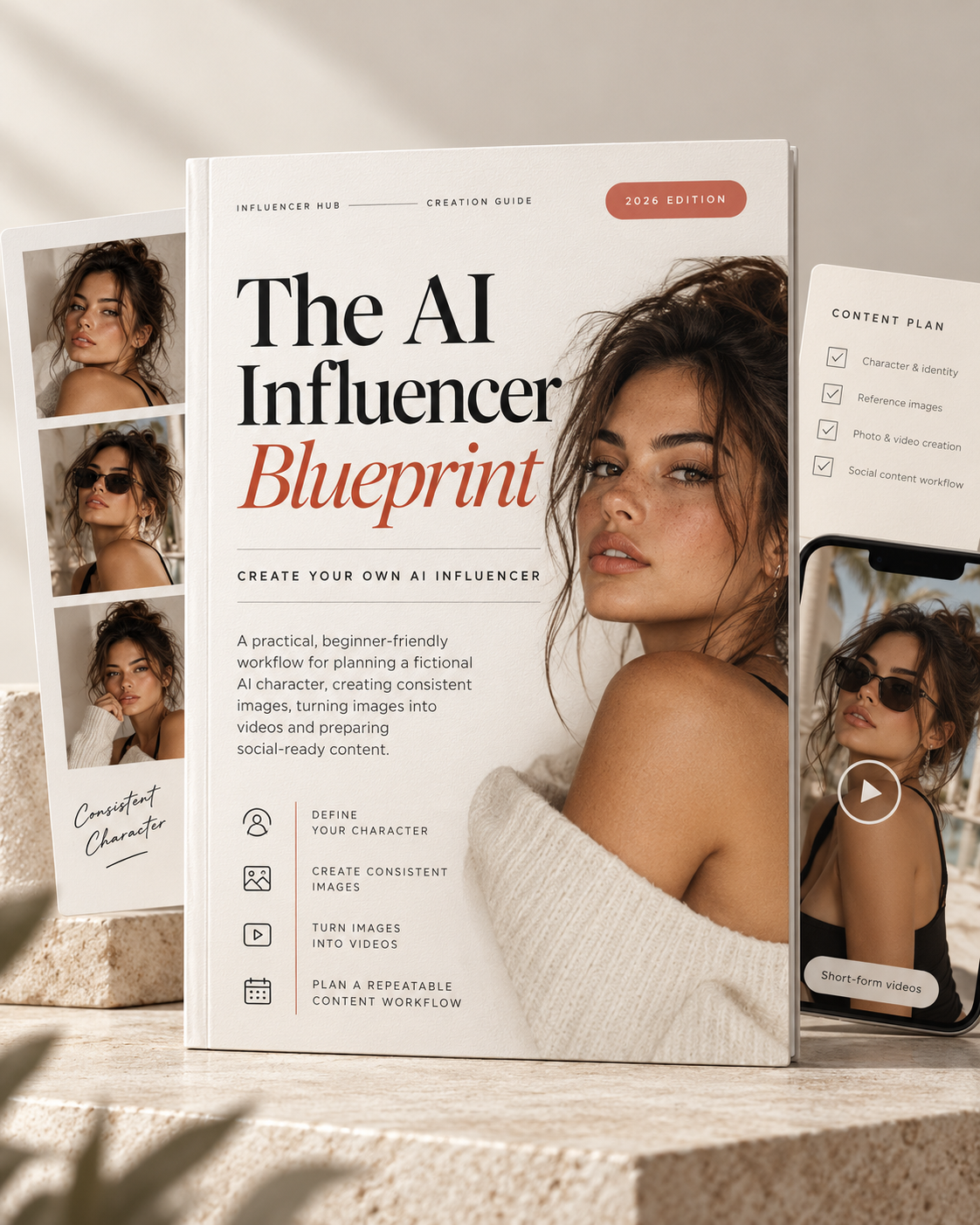
- Format
- PDF, instant download
- Length
- 28 pages
- Stages
- 7, each with a checkpoint
- Prompts
- Copy-ready prompts & templates
- Quality checks
- Image, video and pre-publish checklists
- Tools
- Claude for planning; Higgsfield or Google Flow for images and video
- Level
- Beginner-friendly
- Edition
- 2026
Prompt library
Explore some of the prompts and templates included in the guide. Select a topic to see what it's used for. The full instructions are included in your download.
Used in Stage 01 · Design
Character brief
Turns a few simple inputs into a one-page operating sheet for your character.
Full prompt in the guide
Used in Stage 01 · Design
90-day stress test
Finds contradictions and repetition before you generate a single face.
Full prompt in the guide
Used in Stage 02 · Create
Six candidate portraits
Varies only angle, expression and setting, so you compare like with like.
Full prompt in the guide
Used in Stage 02 · Create
Fix realism, keep identity
Removes the over-polished AI look without redesigning the face.
Full prompt in the guide
Used in Stage 03 · Lock
Reference set planner
Plans the angles, distances and lighting a consistent identity needs.
Full prompt in the guide
Used in Stage 03 · Lock
Drift repair
Pulls a drifting image back to the approved face while keeping the scene.
Full prompt in the guide
Used in Stage 04 · Photos
30-shot planner
Builds a varied content bank that never repeats a pose or outfit back-to-back.
Full prompt in the guide
Used in Stage 05 · Videos
Short video prompts
One clear action, gentle camera movement and strict continuity, per clip.
Full prompt in the guide
Used in Stage 06 · Launch
Profile bios
Ten short bios in your character's voice, with no invented claims.
Full prompt in the guide
Used in Stage 07 · Repeat
Weekly planner
Seven posts a week, each with one continuity risk to check.
Full prompt in the guide
Straight answers, before you buy
One payment of £25.00. No subscription, no upsell inside.
What it is
- A 28-page instructional PDF you keep
- A seven-stage workflow with a checkpoint after each stage
- Reusable prompts and templates for Claude or a similar AI assistant
- Routes for both Higgsfield and Google Flow
- Written for complete beginners
What it isn't
- A video course or software subscription
- A done-for-you content service
- A promise of followers, reach or income
- A guide to making money from AI influencers
- A way to recreate real people: fictional adults only
What you'll need
Access to third-party AI tools: Claude (or a similar assistant) for planning, and Higgsfield or Google Flow for images and video. Some features, subscriptions and generations cost extra, and their interfaces can change.
Questions, answered
Something not covered here? Send us a message.
Is this a video course?
No. It's a 28-page instructional PDF. You read it and work through seven stages at your own pace.
Which tools do I need?
Claude (or a similar assistant) for planning and prompts, plus Higgsfield or Google Flow for images and video. Equivalent tools can work, though their controls will differ.
Do those tools cost extra?
They're third-party services with their own pricing. Some features, subscriptions and generations cost extra, and interfaces can change. Check each provider before generating in bulk.
Will this make me money?
The guide covers creating and publishing a consistent character. It doesn't include monetisation strategies, and nobody can guarantee followers, reach or income.
I'm a complete beginner. Is that OK?
Yes. The guide is designed for beginners, with seven stages, reusable prompts and checklists to help you work through the process at your own pace.
Can I recreate a real person?
No. The guide is for fictional adult characters. Don't use a real person's likeness, voice or photos without permission, and follow each platform's AI-disclosure rules.
How do I get the guide after paying?
Straight after checkout you'll see a download link, and the same link is emailed to you. Keep the email so you can download it again later.
Does it work on my phone?
Yes. It's a standard PDF that opens on phones, tablets and computers.
What's your refund policy?
Please read our refund policy before you buy — it sets out exactly what applies to digital products.
